Domain Name Checklist Before Launch
Use this prelaunch domain checklist to verify spelling, redirects, SSL, email, analytics, social profiles, renewals, and brand consistency before announcing.
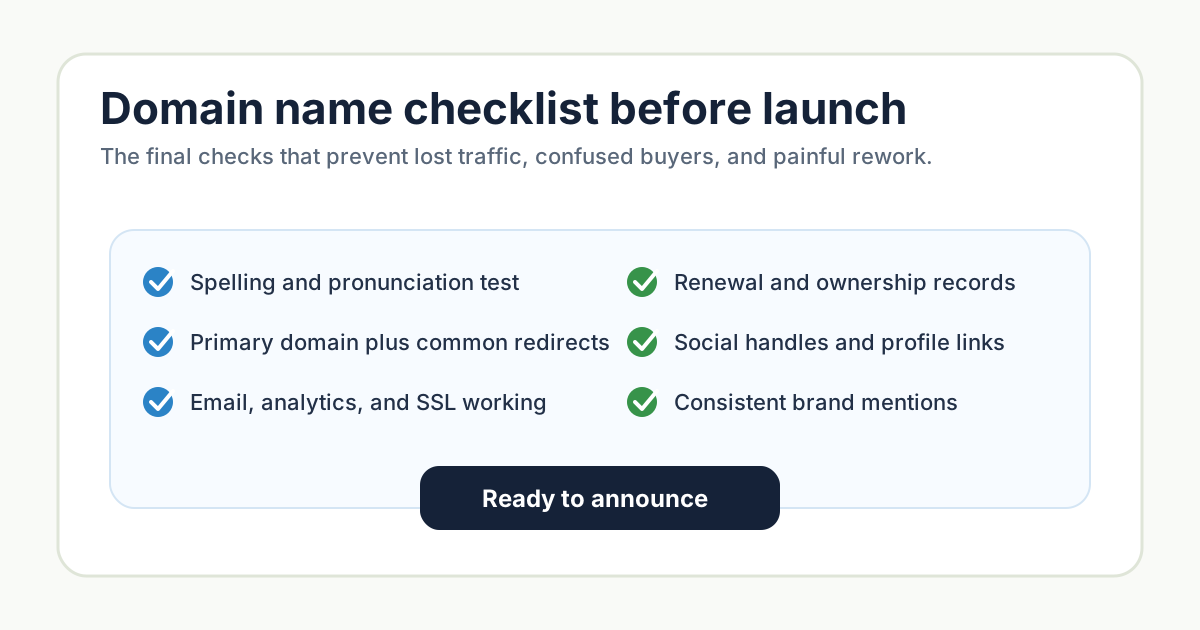 A final prelaunch checklist for turning a chosen domain into a reliable public brand address.
Choosing a domain is not the finish line. Before you announce, send traffic, or print the URL anywhere permanent, you need to make sure the domain works as a real operating asset.
This checklist covers the practical checks that prevent lost traffic, broken email, confused customers, and painful cleanup after launch.
1. Run the Spelling and Pronunciation Test Again
Before launch, test the final domain with people who have not been staring at it for weeks.
Ask them to:
- Hear it once and type it.
- Read it once and say it aloud.
- Guess what the company does.
- Tell you whether any word feels confusing.
- Spot accidental double meanings.
If people consistently misspell the domain, consider a clearer name, a defensive redirect, or a stronger homepage treatment.
2. Register Defensive Variations
You do not need to buy every possible extension, but you should protect the obvious mistakes.
Consider registering:
- Common misspellings
- Singular or plural versions
- The strongest alternate extension
- Hyphen-free versions if needed
- Country domains for key markets
Defensive registrations are most useful when they prevent customer confusion. Do not turn this into an endless domain collection exercise.
3. Set Up Redirects Correctly
Decide which domain is canonical. Usually that means one primary version, such as https://example.com, and every other version redirects to it.
Check:
httpredirects tohttpswwwand non-wwware consistent- Alternate domains redirect to the primary domain
- Old campaign domains redirect to relevant pages
- Redirects use permanent redirects when appropriate
Bad redirects can split traffic, confuse analytics, and create duplicate indexing issues.
4. Verify SSL and Security Basics
Your domain should load securely before anyone sees it. Check the browser lock icon, certificate validity, and mixed-content warnings.
Also make sure the domain is registered in the right account with access controlled. A founder's personal registrar account might be fine on day one, but it can become a problem as the team grows.
At minimum:
- Use strong passwords.
- Enable two-factor authentication.
- Document who owns registrar access.
- Set renewal reminders.
- Confirm payment methods are current.
Losing a domain because of a missed renewal is avoidable.
5. Configure Email Before Announcing
A domain is part of your trust system. If email is broken or messages land in spam, customers may not get receipts, confirmations, or sales replies.
Before launch, test:
- Inbound email
- Outbound email
- SPF, DKIM, and DMARC records
- Shared inboxes like
hello@ - Founder addresses
- Transactional email sender domains
- Calendar invites
Send test messages to Gmail, Outlook, and a business mailbox if possible.
6. Connect Analytics and Search Tools
Set up analytics before launch so the first traffic is measured correctly. Also verify the domain in search tools where relevant.
Check:
- Analytics tracking on key pages
- Conversion events
- Search console verification
- Sitemap availability
- Robots.txt
- Canonical URLs
- Error tracking
The DomainRapids site already has a sitemap route pattern, and new markdown articles are picked up automatically. Your own launch should have the same level of basic crawlability.
7. Align Social Profiles and Public Mentions
Update the domain anywhere users might look:
- Social bios
- Product directories
- GitHub organization
- App store listings
- Email signatures
- Pitch deck
- Invoices
- Help center
- Footer links
Inconsistency makes a young brand feel less trustworthy. If your social handle uses a modifier, make sure the profile display name and website link remove ambiguity.
8. Create a Final Launch Record
Keep a simple document with:
- Primary domain
- Registrar
- Renewal date
- DNS provider
- Email provider
- Analytics property
- Social handles
- Important redirects
- Defensive domains
- Trademark search notes
This record saves time when you hire, fundraise, rebrand, or debug a launch issue.
Frequently Asked Questions
Should I launch with www or without www?
Either can work. Pick one canonical version and redirect the other consistently. The key is consistency, not the specific choice.
Do I need to buy misspellings of my domain?
Buy the obvious ones if the brand is easy to mistype or if paid traffic will be significant. You do not need every possible variation.
Should I register the .com if I launch on .ai or .io?
If it is affordable and strategically important, yes. If it is expensive, launch with the cleanest credible domain and revisit later.
What is the most common domain launch mistake?
Treating the domain as only a name decision. The operational setup matters just as much: redirects, email, SSL, renewals, and analytics all need to work.
Next Step
If you are still comparing candidates, go back to How Long Should a Domain Name Be? and test the finalists before setup.